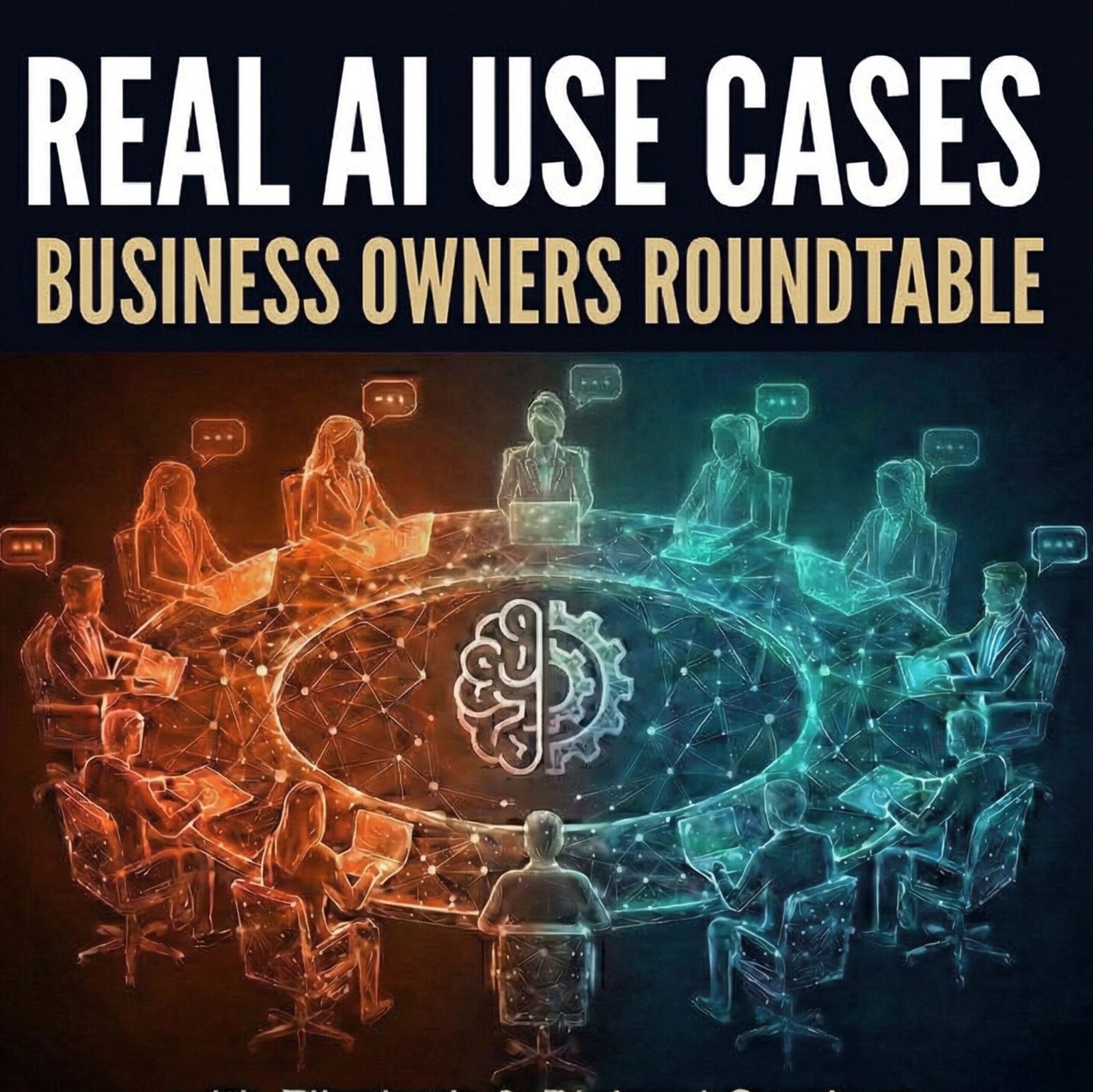
Episode 11 – AI First Mentality: The Future of Work
20 min · March 20, 2026
Business owners on the AI-first mentality: using AI multiple times an hour, treating it as the third person in every meeting, and what it means for creative work.
Key Takeaways
- AI-first businesses reach for AI multiple times an hour — press responses, Excel formulas, research — instead of treating it as an occasional tool.
- Hand AI the low-value work (first drafts, complex formulas, number crunching) so you can focus on what only you bring: your experience and your opinion.
- Tyler Dunagin calls AI the “third person in every meeting” — constantly analyzing, brainstorming, and challenging ideas, from market research to website builds.
- AI can work with far more than text: Richard analyzed 42,000 law-firm time entries for profitability insights, and Kevin points to AI that can review a factory video and suggest improvements.
- Jen Millard built her own LLM to tailor investor pitch decks — one investor cares about sustainability, another about economic development — and calls it her team’s biggest time saver.
- Creative work is evolving, not disappearing: AI can produce a deck that’s 70–80% done, but human judgment, knowing which tool fits the job, and cross-checking multiple tools finish it.
Main Topics
See why AI-first businesses default to AI multiple times an hour instead of once in a while.
Learn how to hand off formulas and first drafts while your own experience and opinion drive the result.
Discover why creative roles are changing fast, and why knowing which tool fits the job is the new skill.
Featured Guests



Meet the Hosts

Elizabeth Gearhart, Ph.D. is the host of Real AI Use Cases: Business Owners Roundtable, where she explores how businesses are actually putting AI to work. She is also CMO of Gearhart Law and co-host of the nationally syndicated Passage to Profit radio show and podcast.

Richard Gearhart, Esq. is co-host of Real AI Use Cases: Business Owners Roundtable and founder of Gearhart Law, a full-service intellectual property law firm. A longtime podcaster, he hosts Intellectual Property News and is the host of the nationally syndicated Passage to Profit radio show and podcast.
The panel’s through-line: hand AI the low-value work, use it constantly, and keep the experience, opinion, and judgment for yourself.
Episode Summary
Elizabeth and Richard Gearhart lead a roundtable on what it means to run a business with an AI-first mentality. Kevin Surace, CEO of Token, uses AI about five times an hour — turning his opinions into press responses, writing Excel formulas, and analyzing images and video. Tyler Dunagin of Turnserv treats AI as a third person in every meeting for market research, data analysis, brainstorming, and building websites, and Jen Millard of mainelove uses it for complex Excel conversions and a custom LLM that tailors investor pitch decks to each investor.
Richard shares how he analyzed 42,000 law-firm time entries for profitability and management reporting — and used AI to work out whether the family’s Christmas decorations would fit without a storage unit. Elizabeth describes testing several AI tools (each claimed to be the most accurate) and a Manus-generated slide deck that was 70–80% complete. The panel closes on creative work: the tools change, but expertise and judgment still matter, and for a few hundred dollars you can now produce what once required a full production team.
Frequently Asked Questions
What does “AI-first mentality” mean in business?
How often should I be using AI in my business?
What are the easiest ways to start using AI in my business?
How is AI changing creative roles like graphic design?
Should I rely on just one AI tool?
Is AI only useful for business, or for personal life too?
Episode Transcript
View Full Transcript
This is Real AI Use Cases – Business Owners Roundtable with host Elizabeth Gearhart, podcast consultant, marketing expert, and PhD researcher using AI every day, and Richard Gearhart, entrepreneur, seasoned business owner, and intellectual property attorney specializing in innovation. Here’s how real companies are using AI.
Welcome everybody to Real AI Use Cases – Business Owners Roundtable.
Kevin Surace—your life is AI—but is there one way in particular that you’re using AI in your business that you really like?
I’m using it five times an hour.
One example is press responses. I give my opinion, and then I let AI take my opinion—not its opinion—and rewrite it into something appropriate for publication.
I also use it a lot with Excel. Some formulas are so complicated. I just say, “Write the formula for me.” Otherwise I’d spend an hour figuring it out—and why would I? That’s not where I add value.
The value is your experience and your opinion. You say: “Here’s my experience, here’s my opinion—write the report.”
Let the machine handle the rest.
Is this your clone by any chance?
I actually did have a Zoom clone for a while—it was hard to tell if it was me or not. But more importantly, you can do almost anything now.
Take a picture of a meal—AI gives you the recipe. Analyze a factory video—AI tells you what’s happening and how to improve it.
You should be doing these things multiple times per hour. That’s how you win.
That’s exactly why we’re doing this—so people can get ideas.
Tyler, no pressure—what’s one way AI is helping your business?
I use it all day—wake up with it, go to sleep with it. For us, it improves quality of life, accuracy, and speed.
It’s like having a third person in every meeting—constantly analyzing, brainstorming, and challenging ideas.
We use it for:
- Building websites
- Market research
- Data analysis
- Brainstorming
It can be creative or analytical—whatever you need.
And for me, it keeps me focused. As a creative, I want to do everything. AI helps keep me on track.
That’s great. Jen—how about you?
We use it heavily for formulas in Excel. In our business, we deal with complex conversions—ounces, barrels, batch yields. The formulas are intense. Instead of struggling through them, we let AI generate them.
We also use AI for investor materials. I built my own LLM to customize pitch decks based on investor priorities.
For example:
- One investor cares about sustainability
- Another cares about economic development
AI helps tailor the story for each audience. That’s probably our biggest time saver.
That’s brilliant. Richard?
I’ll give a business example and a personal one.
On the business side, I analyzed 42,000 time entries from our law firm using AI. It gave insights I never could have gotten manually:
- Which projects are most profitable
- Where revenue is coming from
- Team performance
Then I used it to generate management reports.
On the personal side—Christmas decorations. We had bins everywhere and were paying for storage. I took pictures of the bins and closets and asked AI if everything would fit. It calculated volumes and created a plan. We eliminated the storage unit.
AI isn’t just a business tool—it’s useful everywhere.
That’s such a good point. I recently gave a presentation at Podfest on influencing what ChatGPT says about you.
I asked multiple AI tools for insights—and interestingly, each one said itself was the most accurate.
Which proves your point—you need to check multiple tools.
Exactly. Then I tried using Manus to generate a presentation. It created a beautiful slide deck—about 70–80% complete. But it needed refinement.
I had to:
- Update outdated data
- Adjust for my audience
- Fix design choices
But it saved a huge amount of time.
That’s the key—you still need human judgment. Also, tools like A+ AI for slides are very strong—but you always need to refine.
And back to graphic design—this is why creatives need to adapt.
So the skill becomes knowing which tools to use.
Exactly. This has happened before. Graphic artists used to draw everything by hand. Then tools like Illustrator and Photoshop came along. Now AI is the next step.
You still need expertise—but the time and cost are dramatically reduced. A project that took weeks might now take hours.
If you can prompt, you can design.
And tools like Envato Elements are powerful—stock plus AI generation in one place.
Also, Google’s AI stack is impressive:
- Improve old images
- Generate video from a still image
- Create scenes for storytelling
The barrier to creating content has never been lower.
But learning these tools does take time, right?
Yes—but it’s worth it. You need to:
- Learn prompting
- Experiment
- Iterate
Sometimes you generate 20 versions to get one right. But for a few hundred dollars, you can now create what used to require a full production team.
That’s democratization of storytelling.
Thanks everyone—this has been Real AI Use Cases – Business Owners Roundtable.
You’ve been listening to Real AI Use Cases – Business Owners Roundtable. We hope you found this valuable. Join us again for more stories—because the future of business is driven by AI.
Recorded at iHeart Studios in Manhattan as part of the Passage to Profit radio show.
Keep exploring the show
Hear how more business owners are putting AI to work in their day-to-day.